Delete Recovery Partition
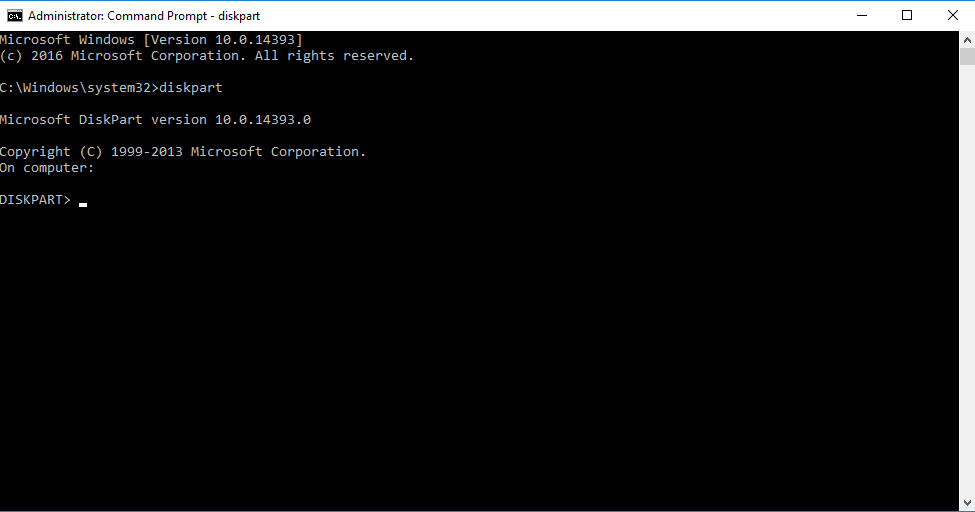
- Open an admin command prompt and enter.
diskpart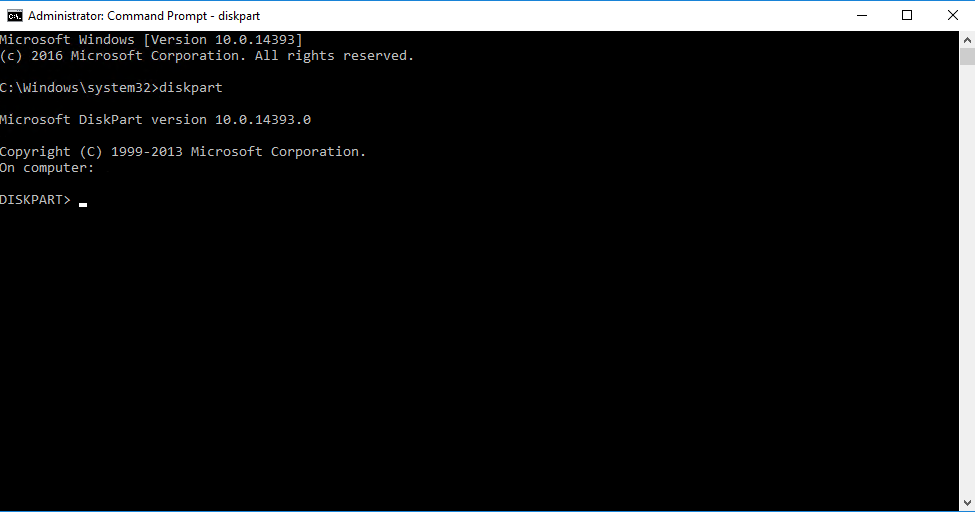
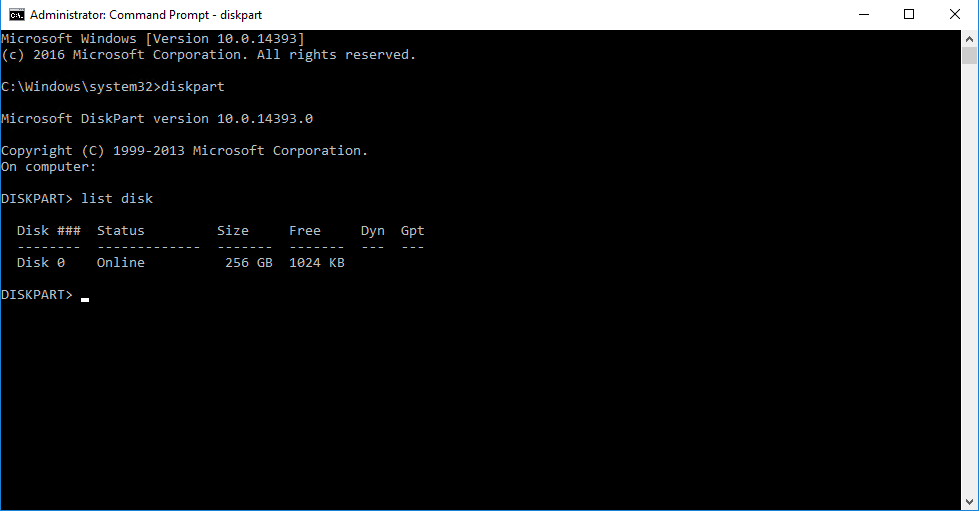
- List the disks within diskpart by typing the following command.
list disk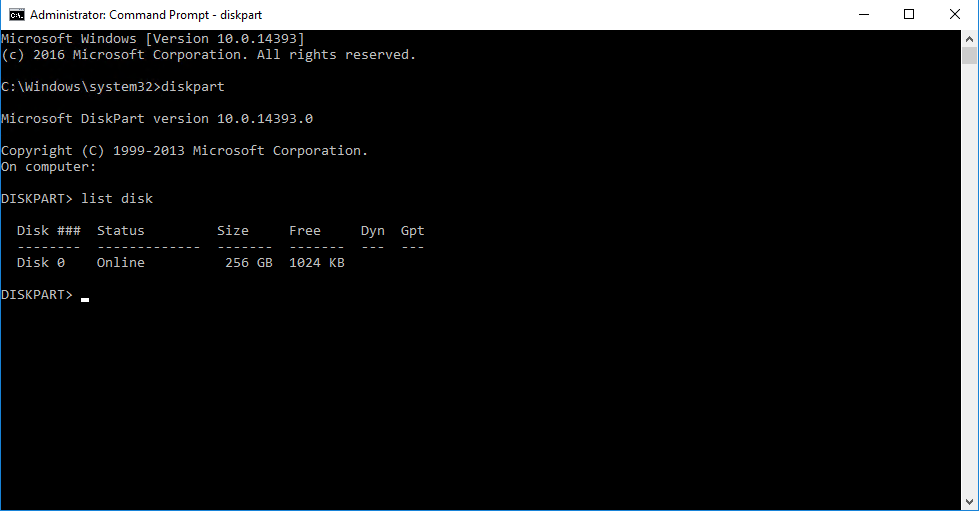
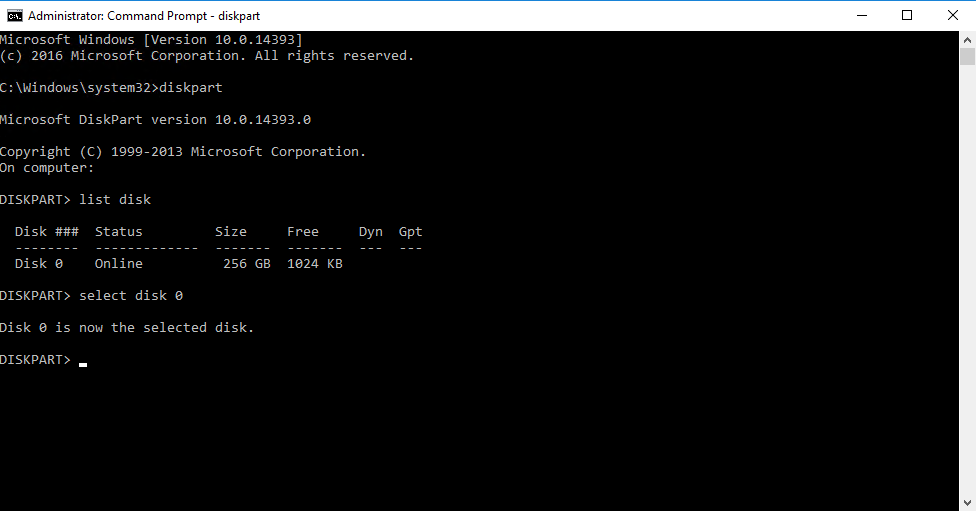
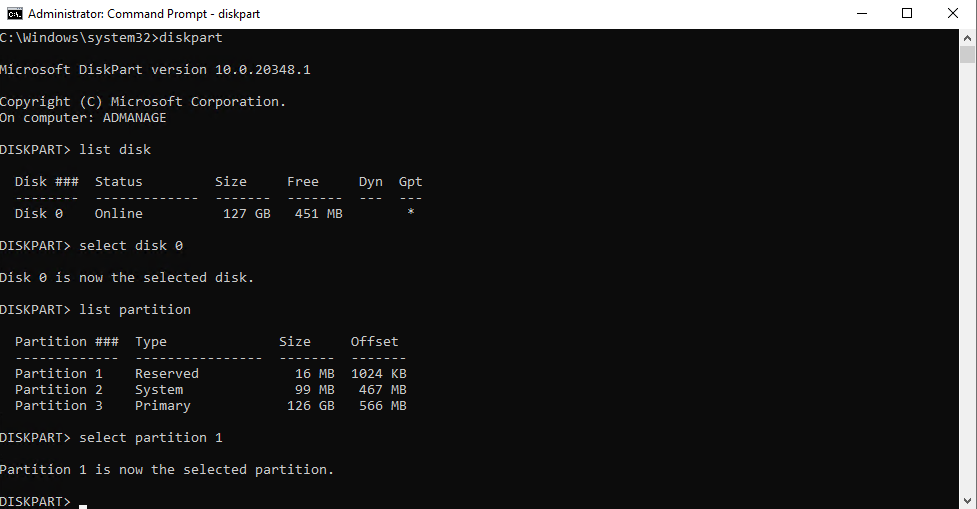
- Select the disk that contains the recovery partition using the following command (replace the number with the correct disk).
select disk 0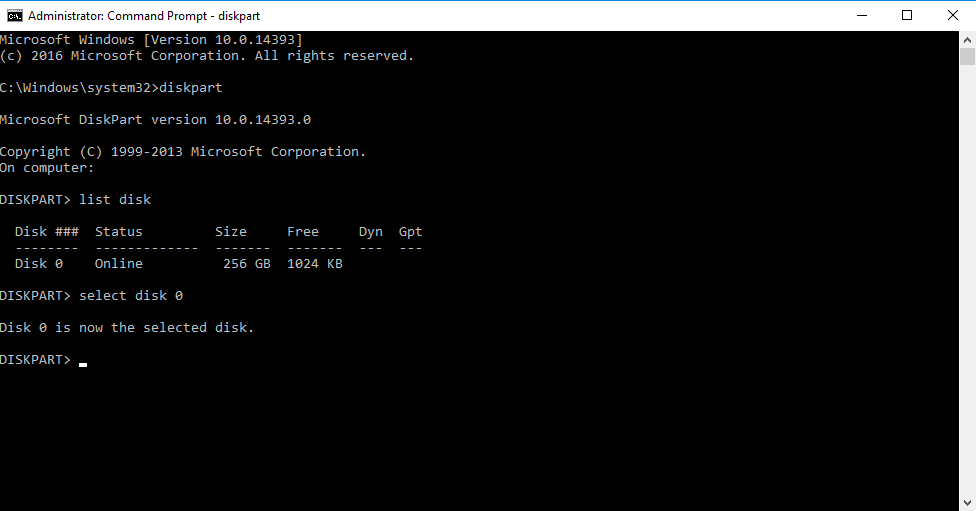
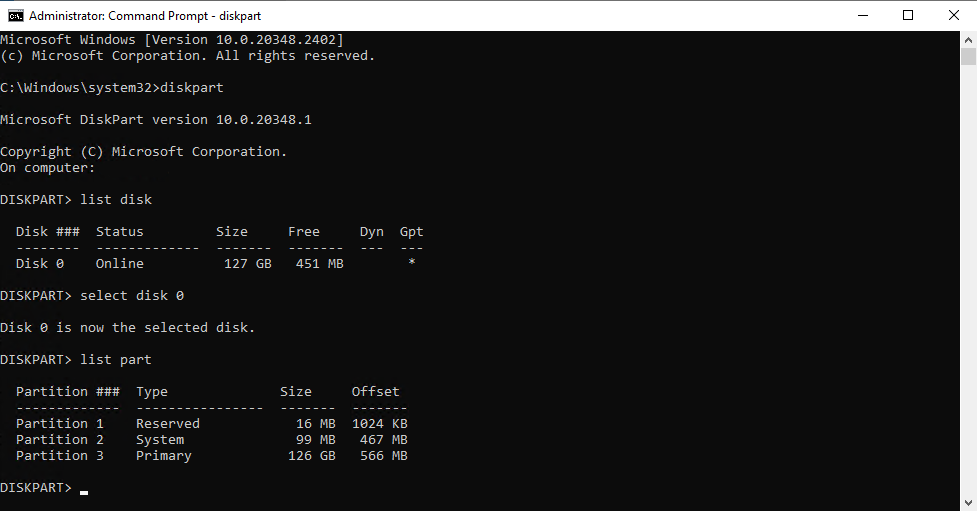
- List the partitions on the chosen drive so you can select the recovery partition using the following command.
list partition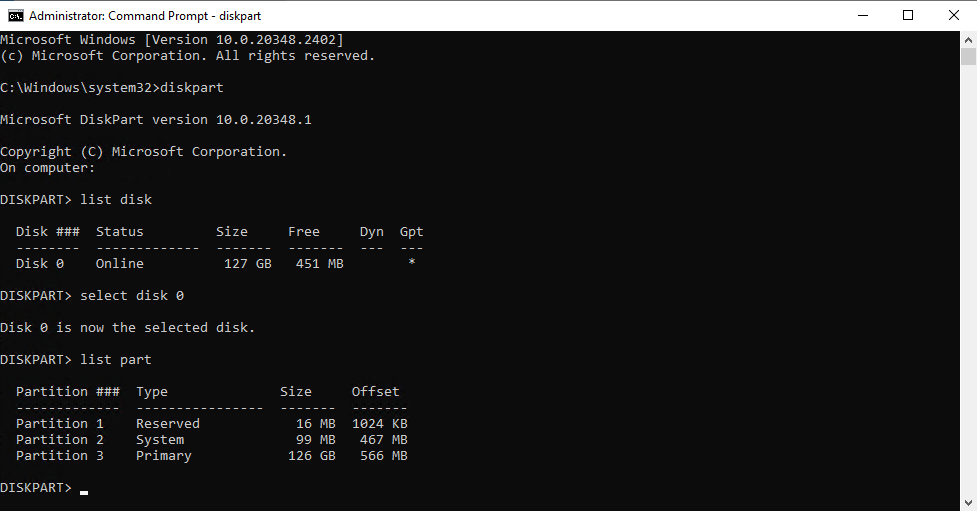
- Select the partition you believe is the recovery partition by using the following command.
select partition 1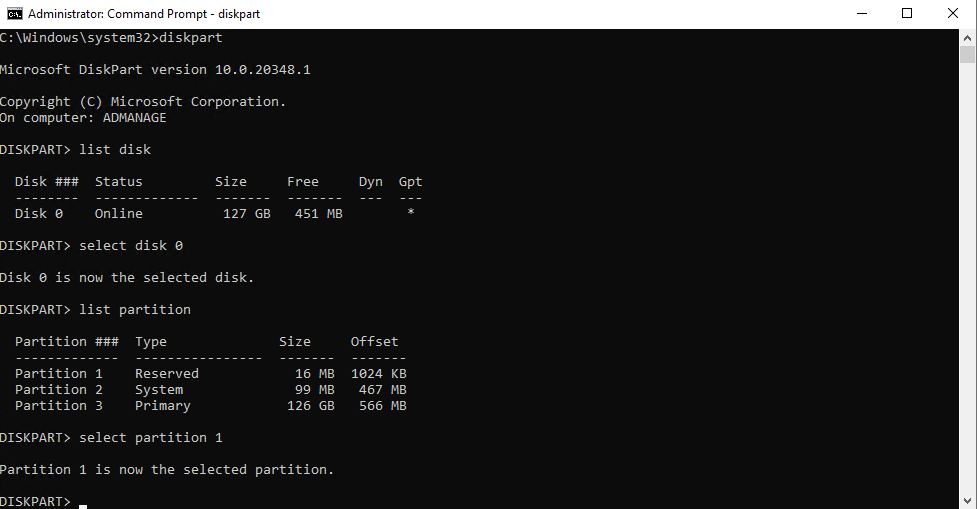
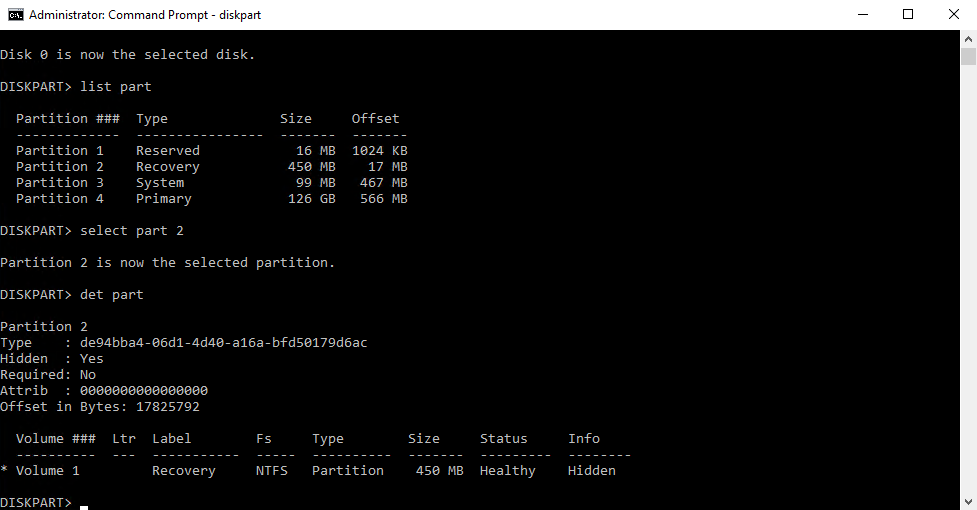
- List the partition details with the following command to verify it's the recovery partition.
For GPT disks, the
Typewill bede94bba4-06d1-4d40-a16a-bfd50179d6ac.
For MBR disks, theTypewill be27.det part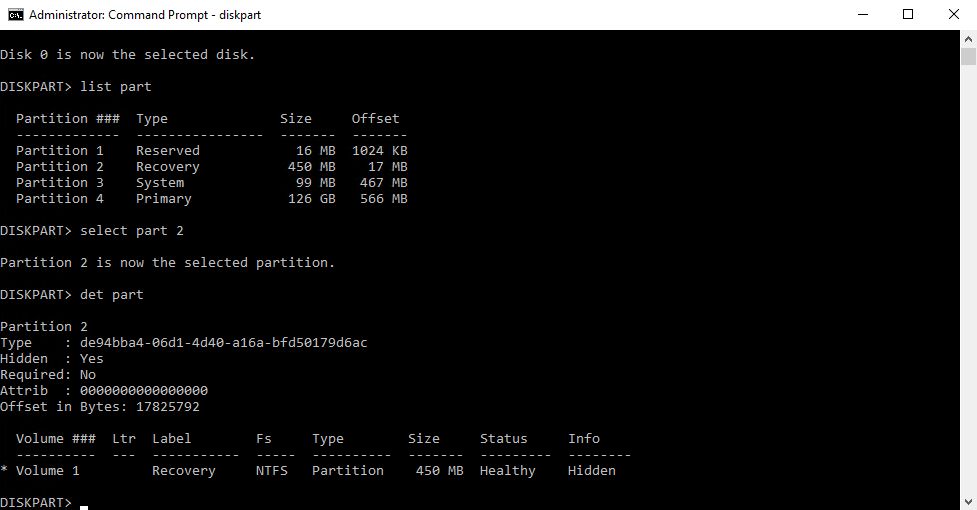
- After confirming the selected partition is the recovery partition, use the following command to delete it.
delete partition override