Skip to main content
Delete Recovery Partition
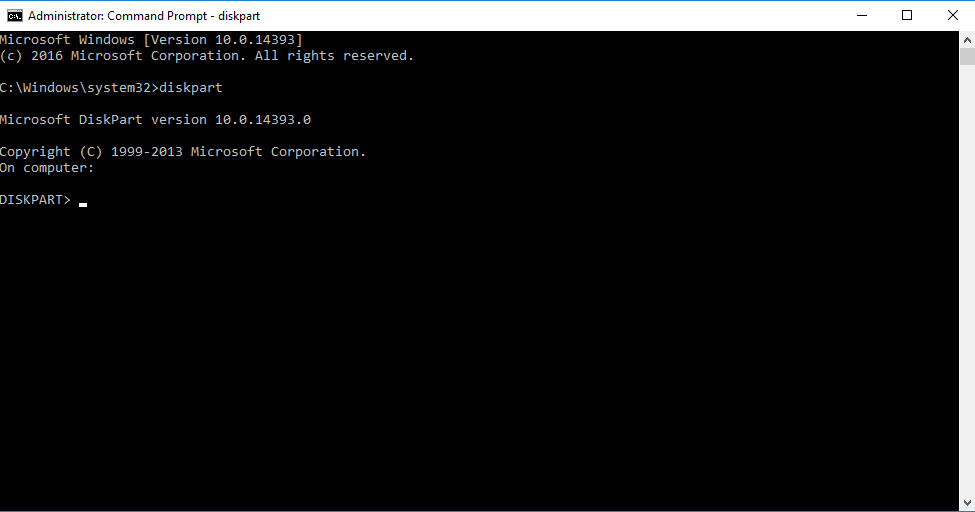
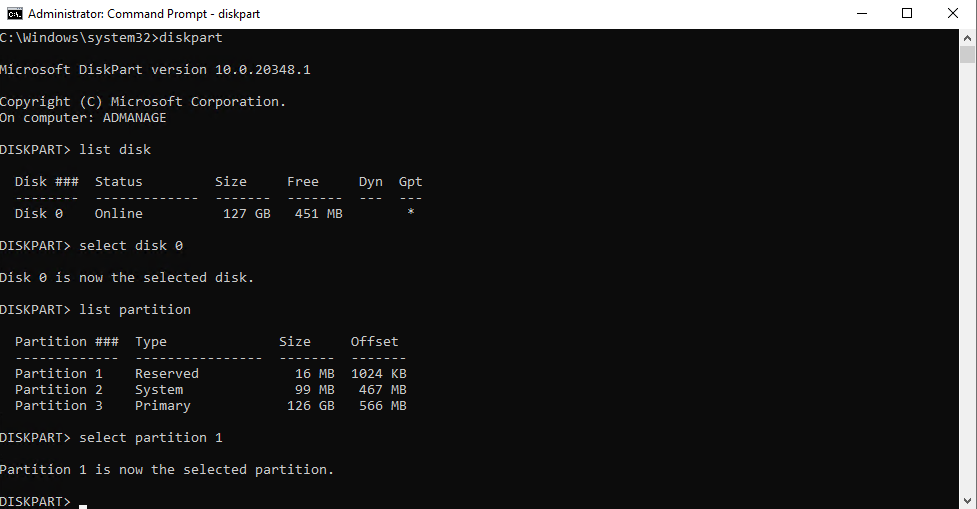
Open an admin command prompt and enter.
diskpart
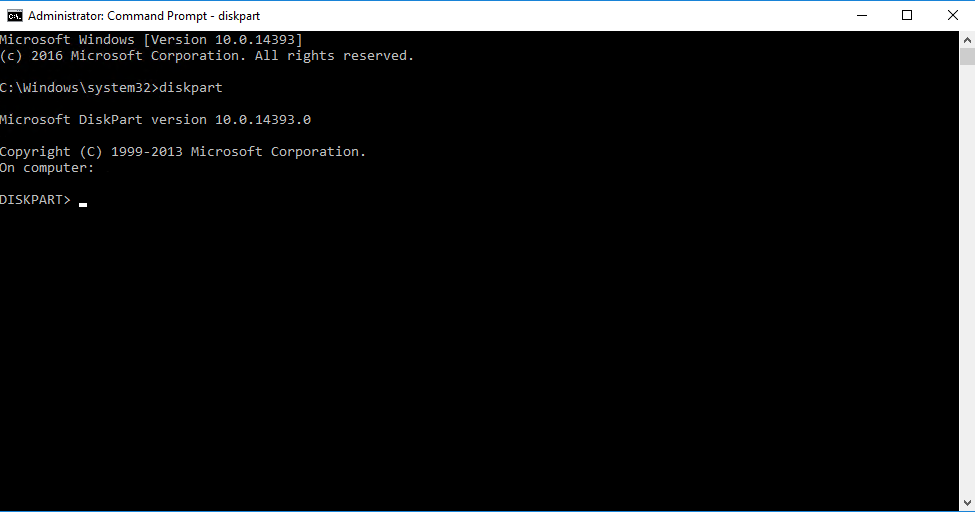
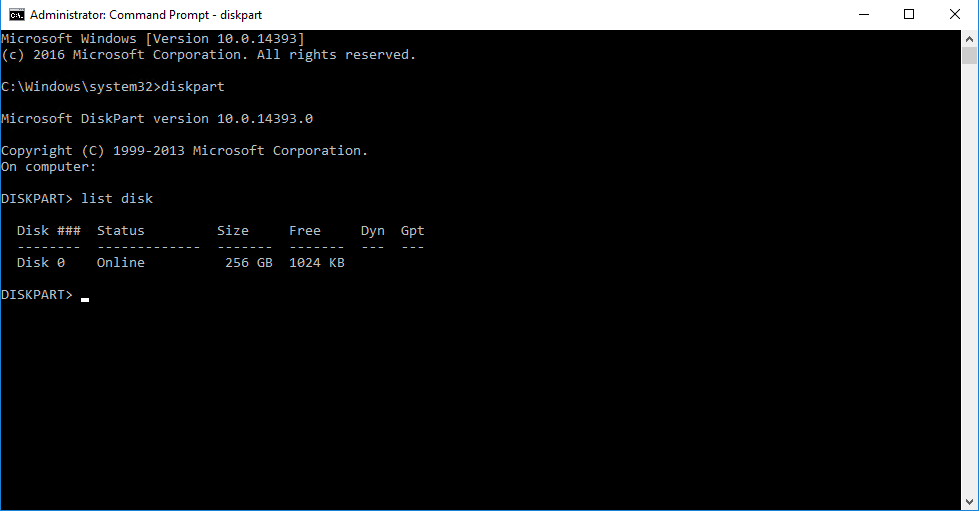
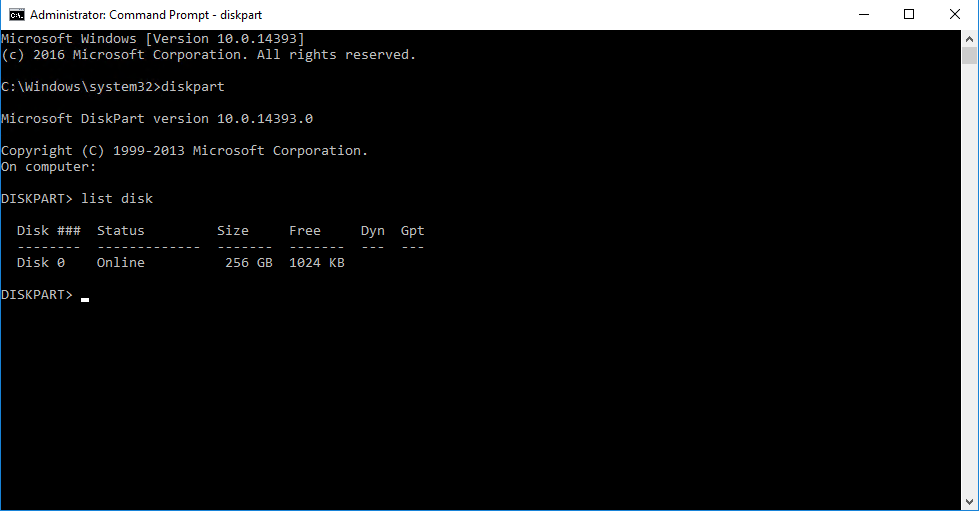
List the disks within diskpart by typing the following command.
list disk
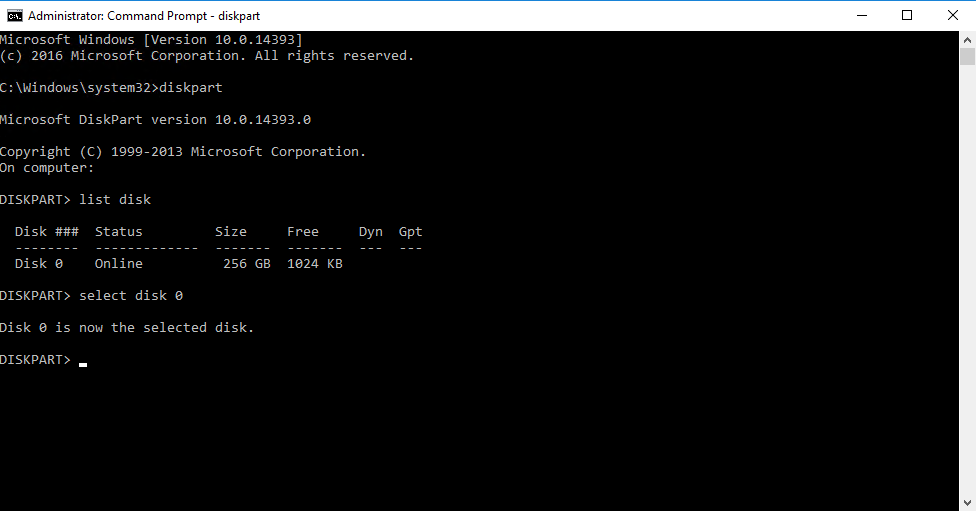
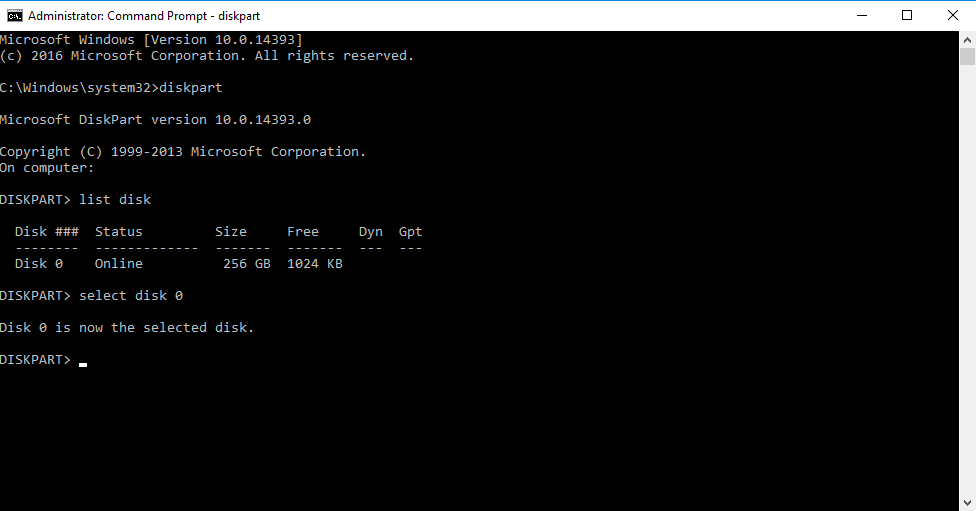
Select the disk that contains the recovery partition using the following command (replace the number with the correct disk).
select disk 0
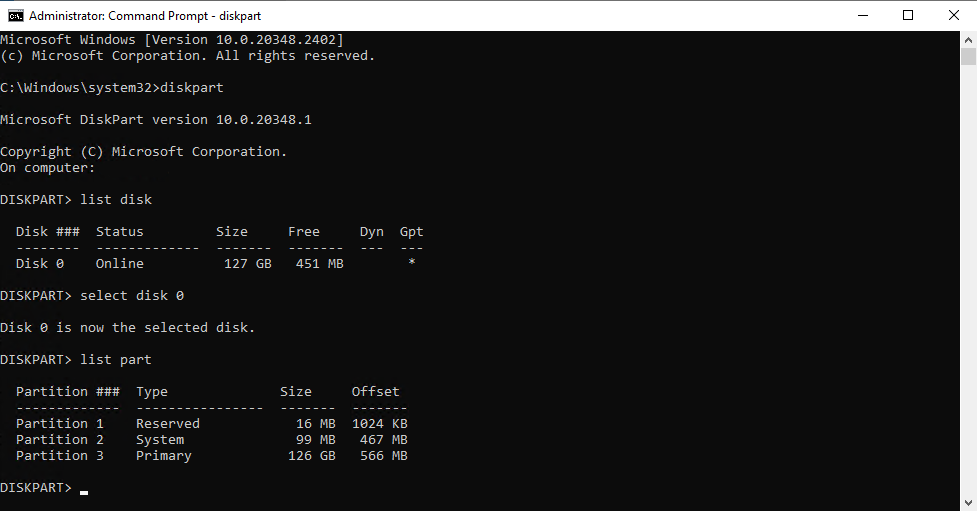
List the partitions on the chosen drive so you can select the recovery partition using the following command.
list partition
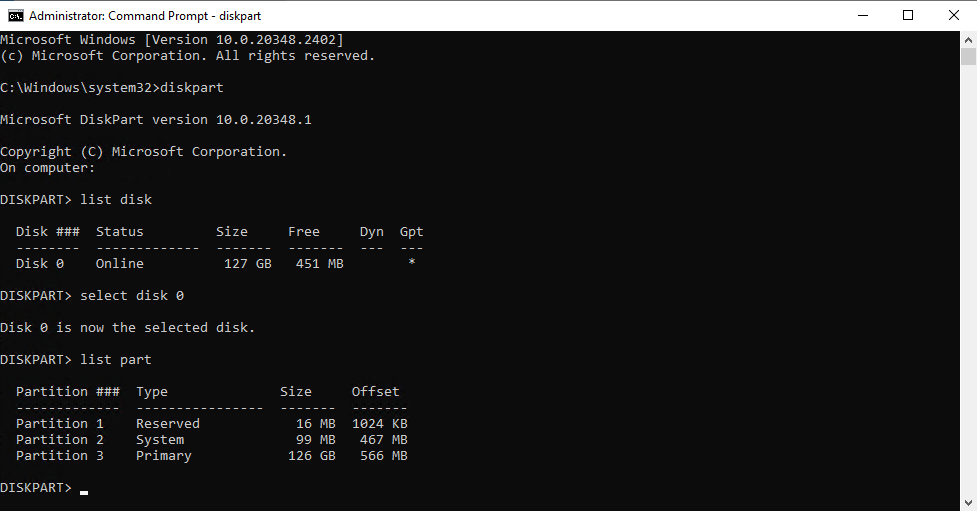
Select the partition you believe is the recovery partition by using the following command.
select partition 1
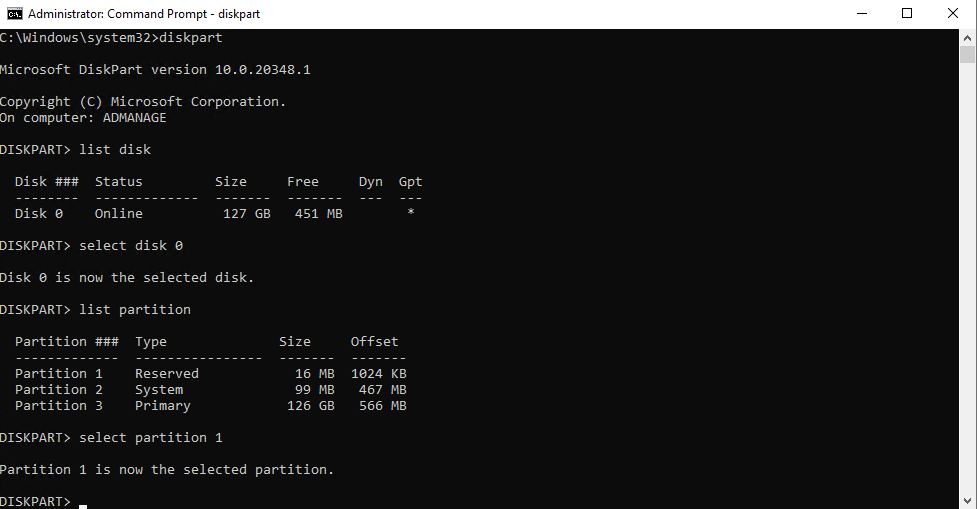
List the partition details with the following command to verify it's the recovery partition.
det part