Changing default OU for new USERS and COMPUTERS
By default, users are created in “Users”, and Computers in “Computers” OU, but these are the default folders, and one may want to defferentiate between them, in ex. when using Azure AD Hybrid and Autopilot or Intune, when new computers are domain joined, you want them to go to specific sync’ed OU’s instead:
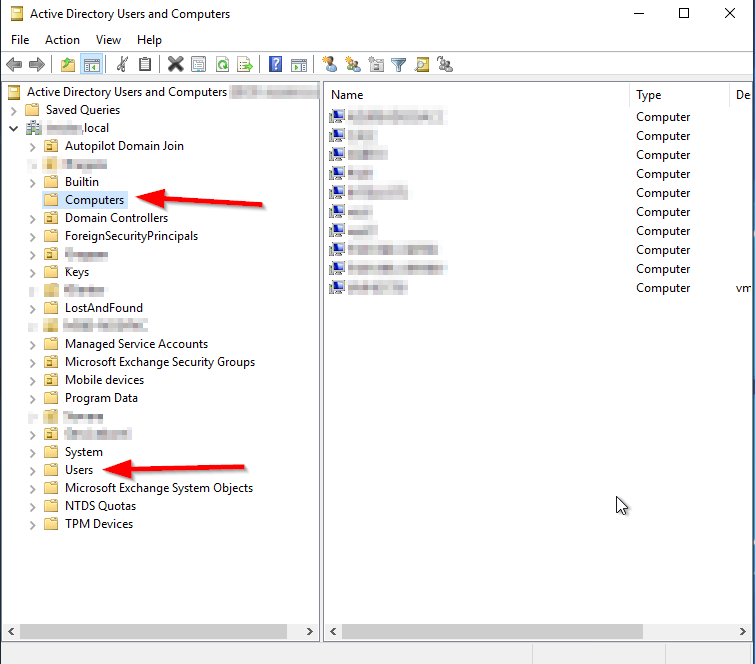
To see the default OU’s, that are in use today, type this into Powershell:
Computers:
Get-ADDomain | select computerscont*
Users:
Get-ADDomain | select userscont*
How to change:
Computers:
redircmp “OU=Autopilot Domain Join,DC=domain,DC=local”Users:
redirusr “OU=Users,OU=Microsoft365,DC=domain,DC=local”That’s it! – Effective immediately 🙂